AI Travel Planner · iOS

Plan trips together,
way easier.

Plan with friends, let AI lend a hand. Accommodation, flights, checklist — all in one screen.

AI AI itinerary in 30s ✨
LIVE Everyone editing live
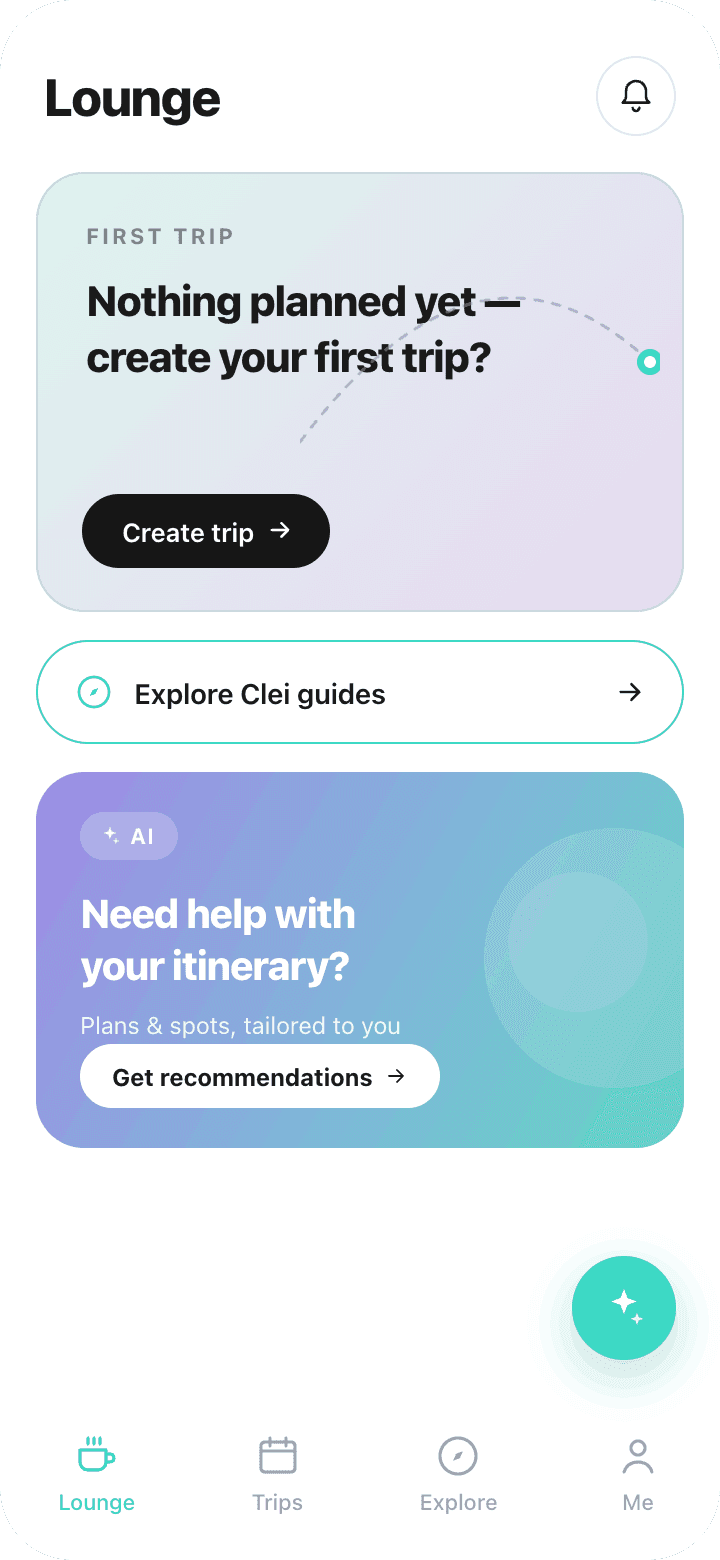
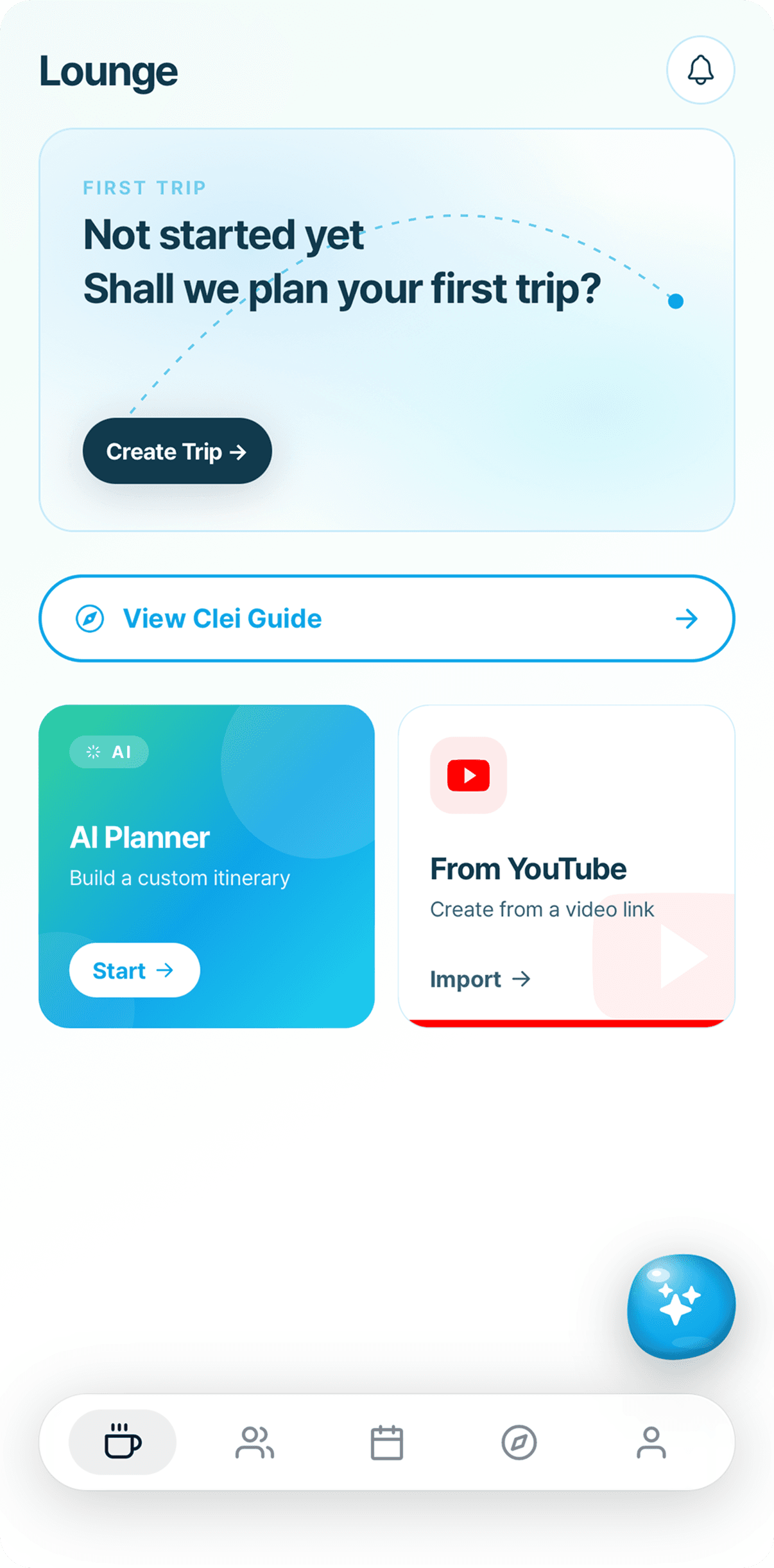
Clei AI Travel Planner Lounge — current and upcoming trips at a glanceClei Trip Timetable — drag to reschedule
01 · WORKSPACE

Plan in one place,
together in real time.

Invite members to a workspace and everyone can edit cards and comment at once. Activity log and emoji reactions let you see who changed what and who wants to go where — at a glance.
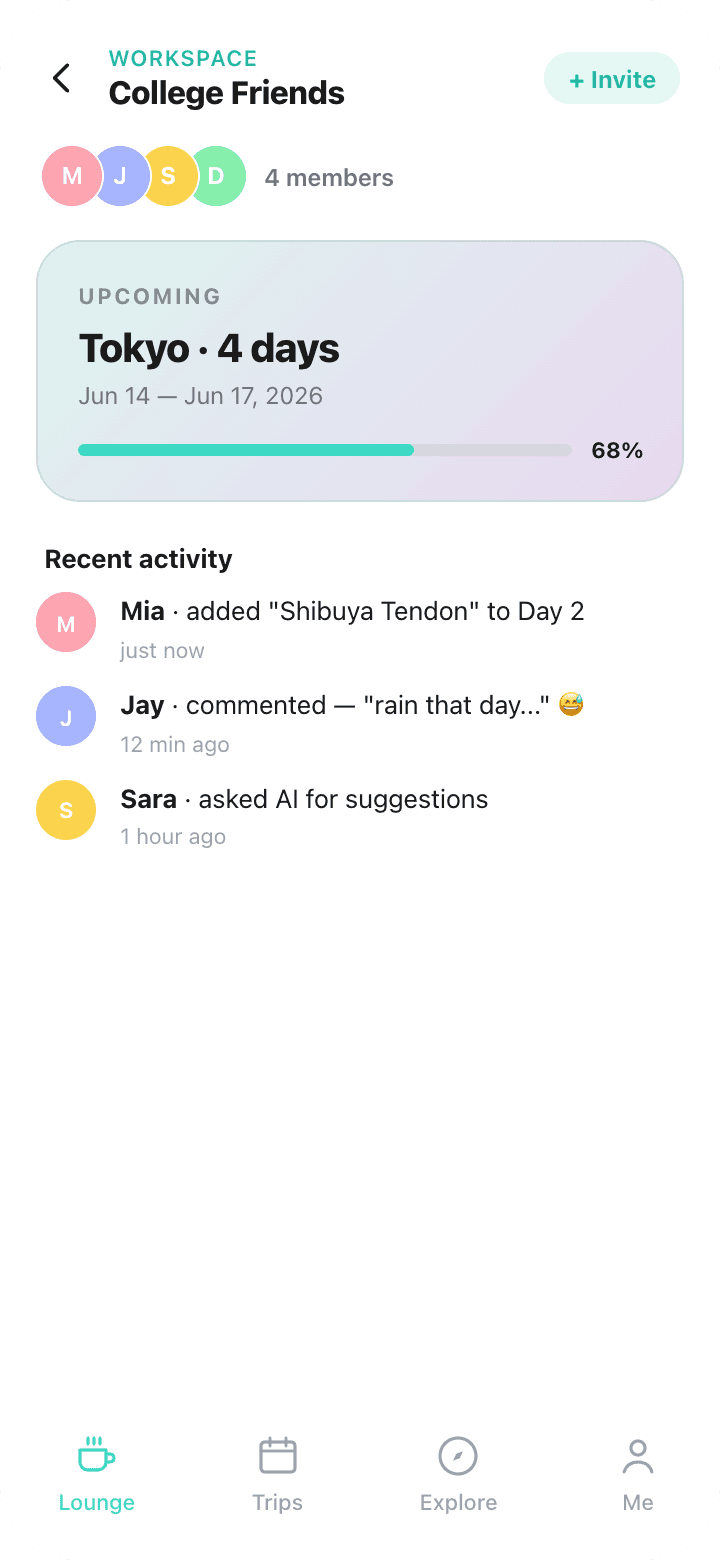
Real-time collaborationInvite codeOwner / Editor / ViewerActivity logComments · Emoji
Clei Workspace — plan a trip with friends in real time
👥4 members · all can edit
+ Invite friends
02 · AI PLANNER

A custom itinerary in 30 seconds,
just talk to AI.

Say "Tokyo, 3 nights, foodie focus" and Clei AI plans the whole trip — cities, days, group size, taste. You can also ask AI to refine an existing itinerary or recommend new spots.
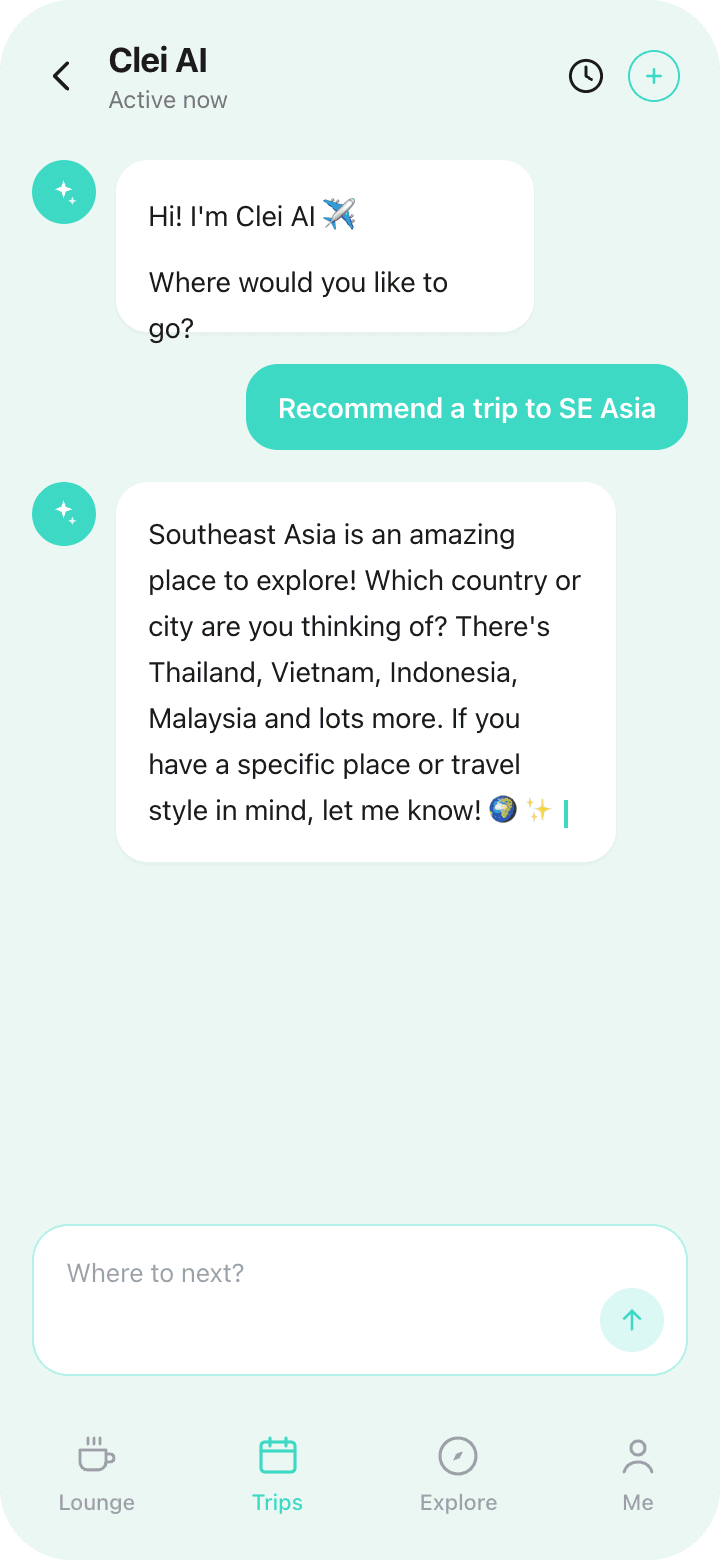
Natural language30-sec generationItinerary tuningSpot recommendations
Clei AI Travel Planner — auto-generate itineraries in natural language
AI is planning your trip…
Start with one sentence
03 · SCHEDULE

One drag,
done — scheduling.

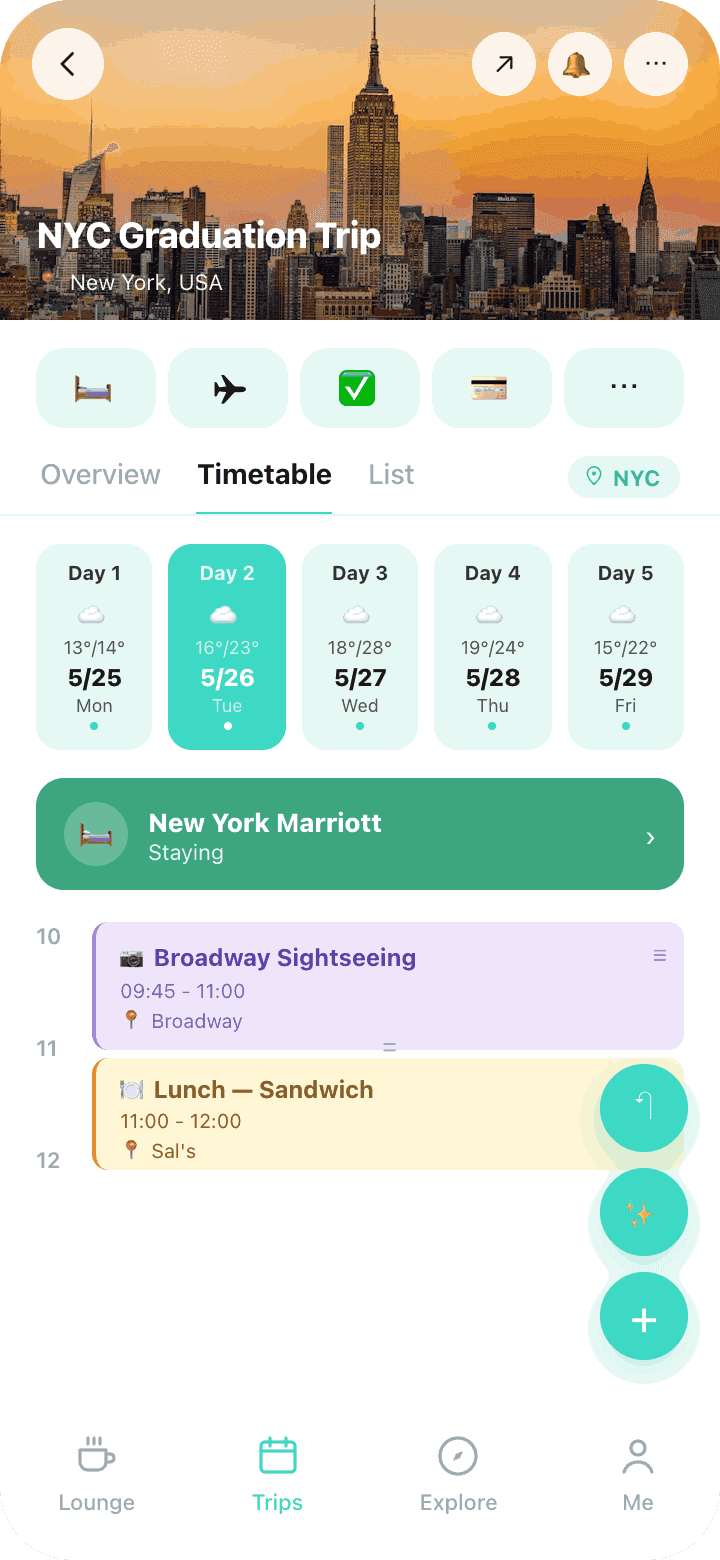
Drag cards to change the time, long-press to move to another day. Three views — overview, timetable, list — plus auto-calculated travel time between cards.

Drag & Drop3 viewsAuto routingFood · Sights · Stay · Transit
Clei Trip Timetable — drag and drop freely
Drag to reschedule
📅Day 1 — 5, swipe up
04 · TRIP INFO

Stays, flights, checklist
all on one screen.

Add check-in/check-out and Clei creates schedule cards automatically. Flights are organized with just flight number and airports. The checklist sorts by category and lets you assign owners, so it's easy to split prep with the group.
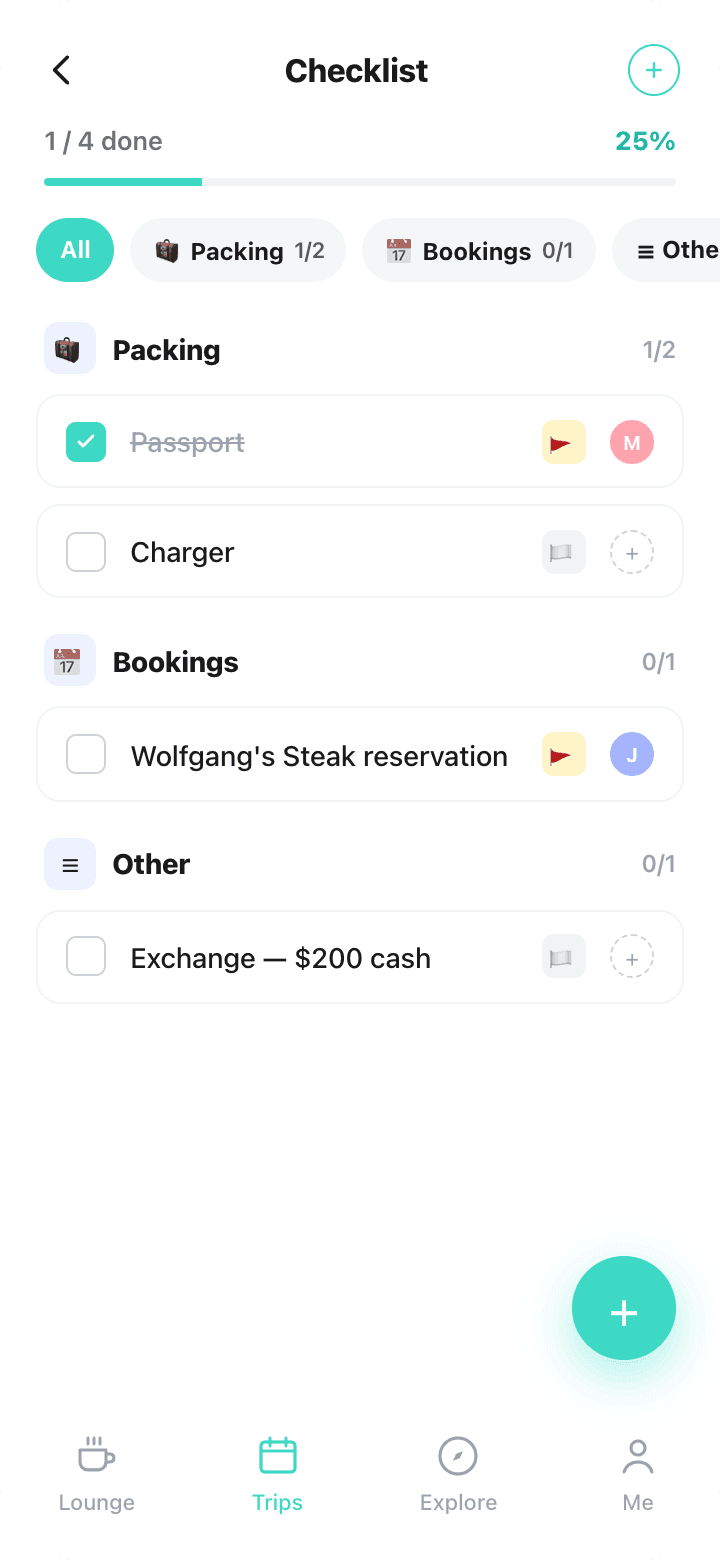
Auto-stay cardsFlight trackingOwner assignmentCategory sorted
Clei Trip Checklist — flights, stays, packing in one screen
Split prep with the group
🧳Packing · Bookings · More
05 · YOUTUBE

Got a travel video?
Turn it into an itinerary.

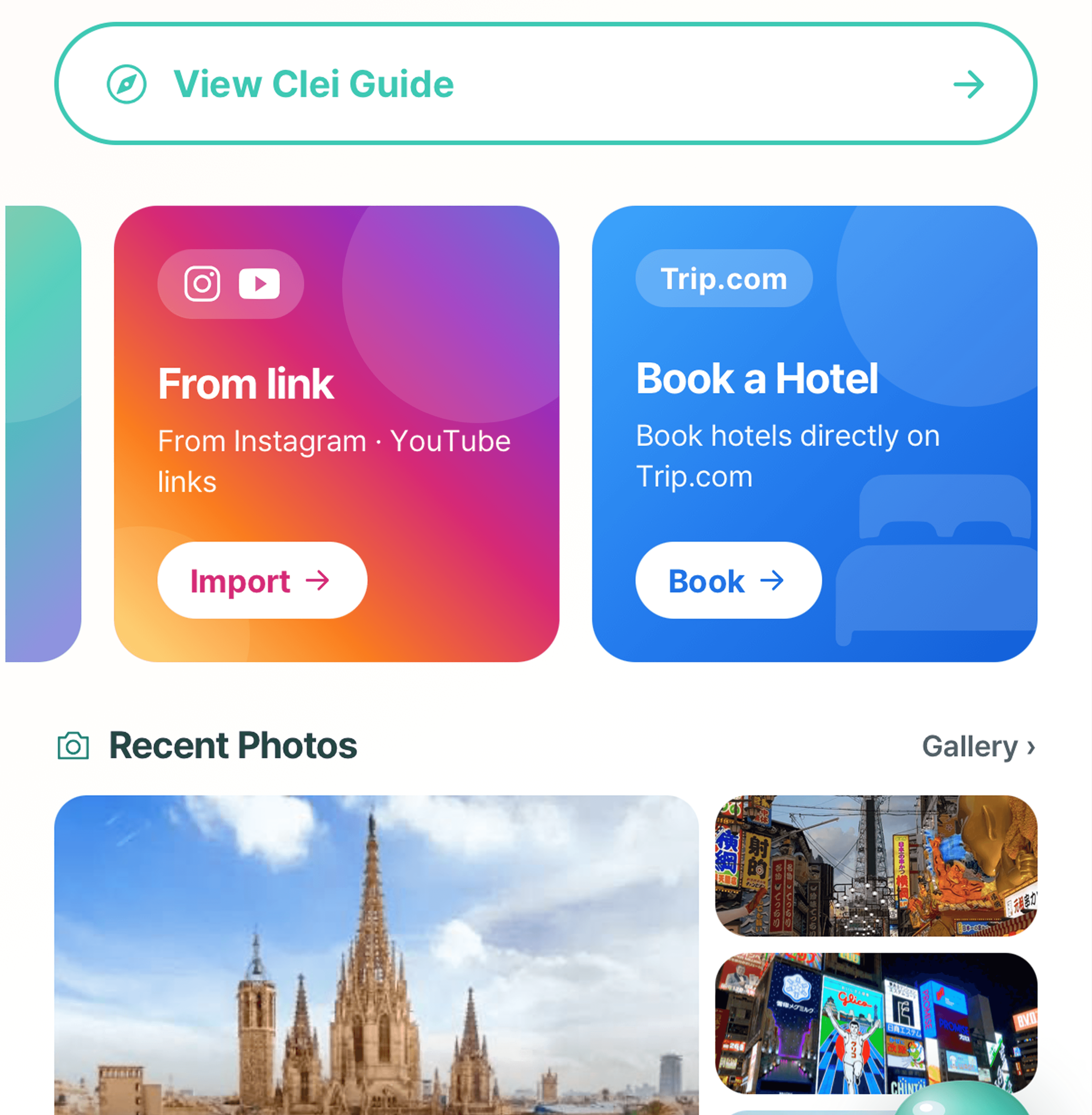
Paste a travel YouTube link and Clei pulls the places from the video into schedule cards automatically. Bring a vlog you loved straight into your own plan, then tweak it however you like.

Paste a YouTube linkAuto place extractionSchedule cardsVlog → your plan
Clei YouTube trip planning — auto-extract places from a video linkClei YouTube trip planning — auto-extract places from a video link
Places from one link
📍Vlog → your plan
06 · CALENDAR

Your schedule and trips,
in one calendar.

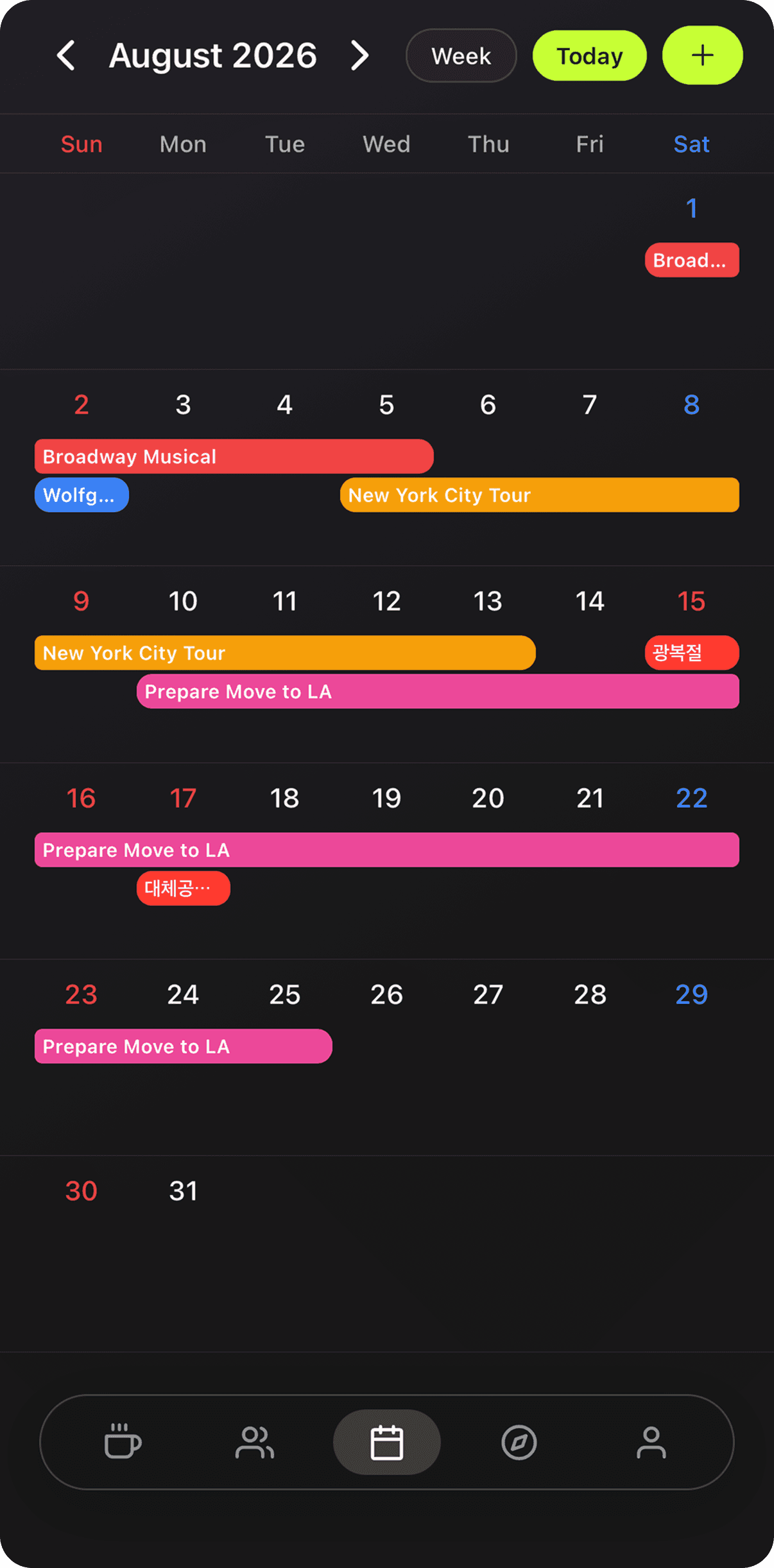
See personal events and trip schedules together in a single calendar. Month and week views show trip spans at a glance, and tapping a date opens that day's plan. Holidays are marked too, so planning time off is easy.
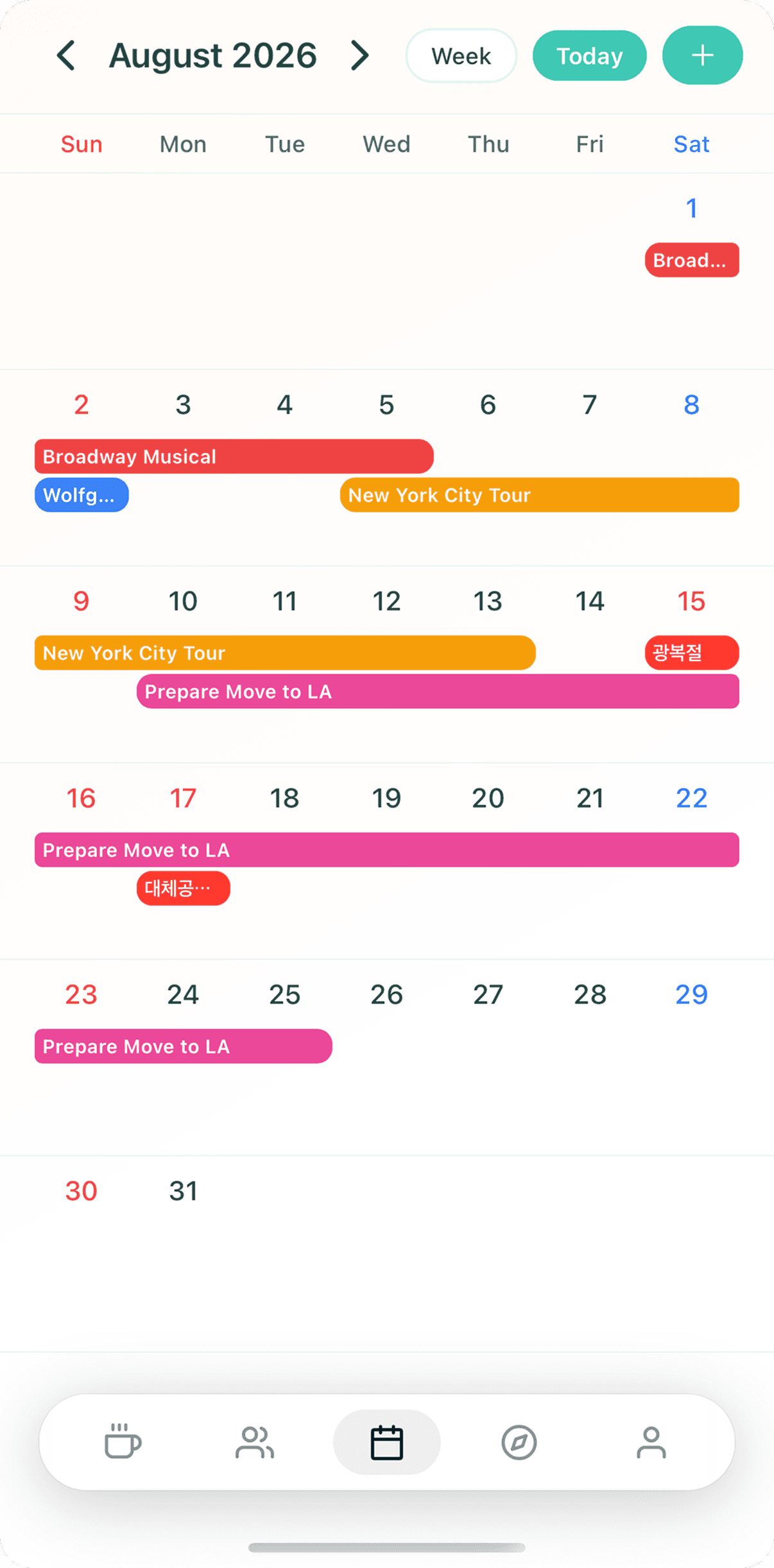
Personal + tripsMonth · Week viewPer-day detailHolidays shown
Clei Calendar — personal events and trip schedules on one screenClei Calendar — personal events and trip schedules on one screen
📅Personal · trips together
🗓️Each day at a glance
07 · THEME

Make it yours,
with your own theme.

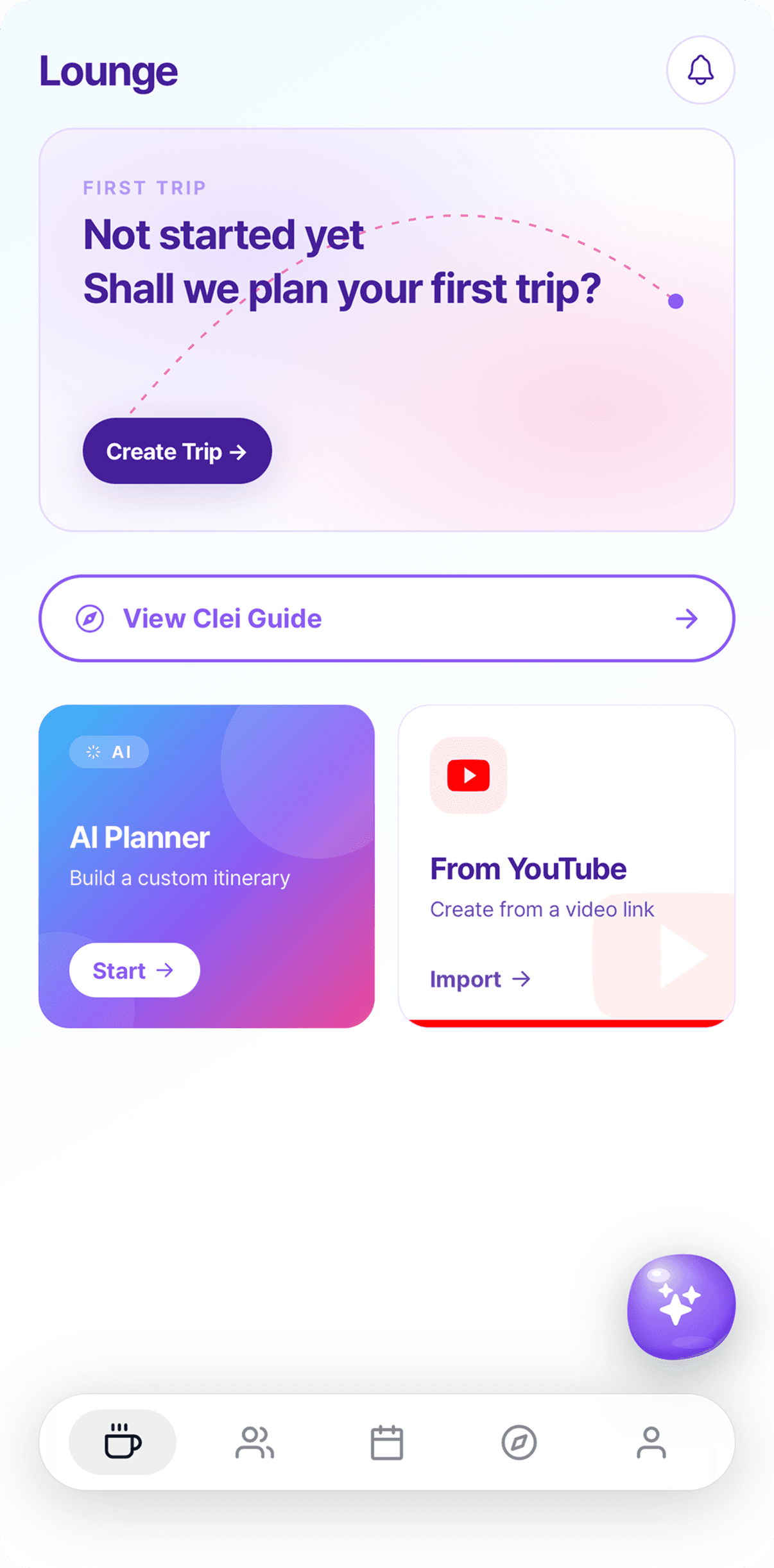
Light, dark, and your own brand color — you choose. Go quick with preset palettes, or customize the exact color you want. The whole app takes on the color you picked.
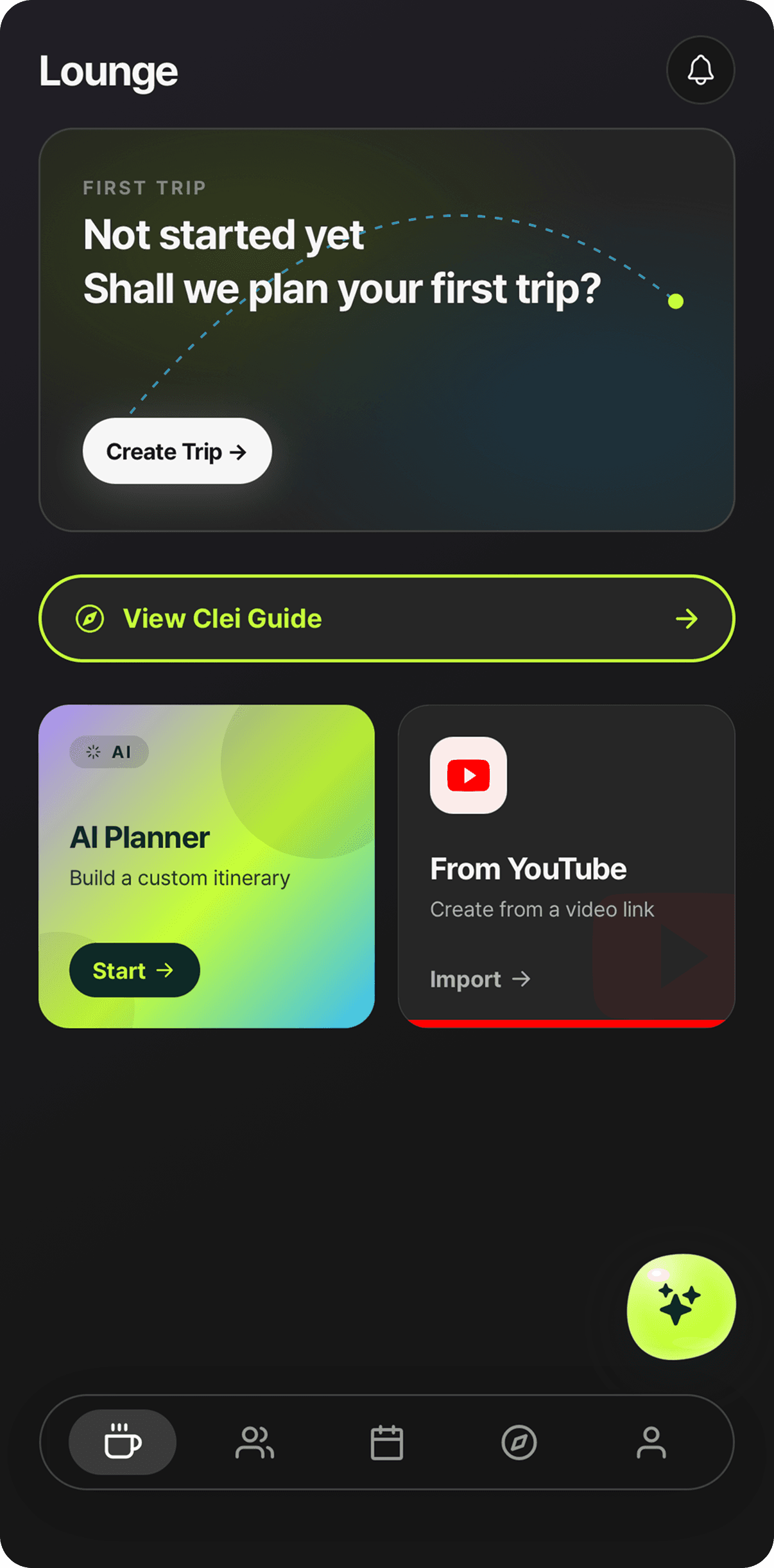
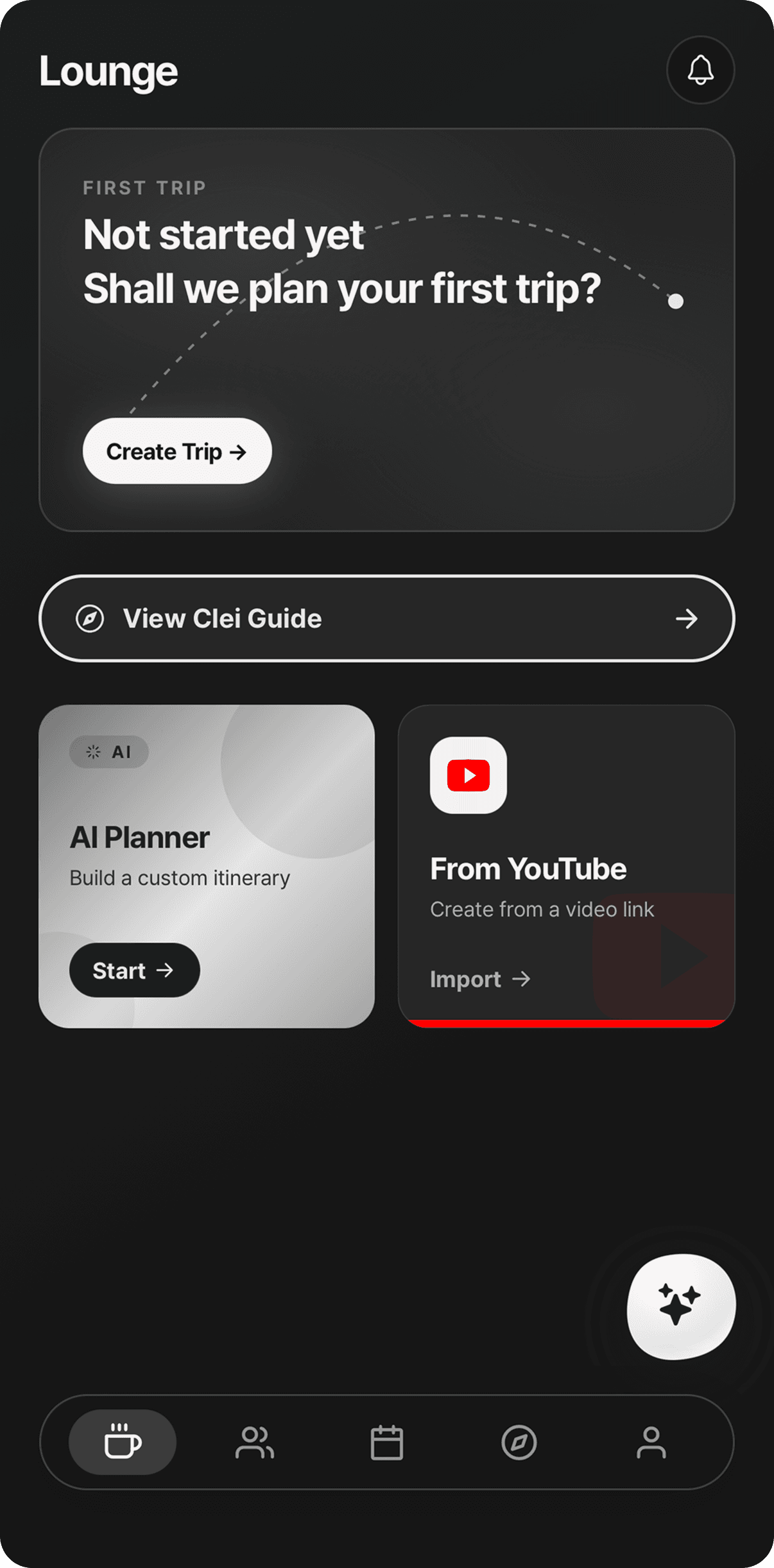
Light · DarkColor presetsCustom paletteLive preview
Clei custom theme — pick your own color paletteClei custom theme — pick your own color paletteClei custom theme — pick your own color paletteClei custom theme — pick your own color palette
🎨Your color, everywhere
FREQUENTLY ASKED

Here's what you can do with Clei.

A quick look at how things work inside the app.

Does AI actually plan the whole trip?

Just enter destination, dates, and group size — AI builds a custom itinerary.

  • Type naturally, like "Tokyo, 3 nights, foodie focus".
  • Save the generated itinerary straight into a workspace.
  • You can also ask AI to optimize an existing schedule or suggest new spots.
  • Tap the purple FAB at the bottom of the Lounge or Schedule tab.
How do I build my itinerary?

Drag-and-drop timetable that fits trips of any shape.

  • Tap + to add a card and pick category, time, and place.
  • In the timetable view, long-press a card to move it to another slot.
  • Travel time between cards is computed automatically.
  • Three views supported: All · Timetable · List.
Can I plan a trip with my friends?

Workspaces let friends plan together with live syncing.

  • Create a workspace and invite friends with an invite code.
  • Everyone edits the itinerary live and reacts via comments and emoji.
  • Every change is tracked in the activity log.
  • Open the activity log from the gear icon on the trip detail screen.
Does it handle expense splitting too?

Auto-calculate who paid what, currency conversion included.

  • Tag a payer and participants on each card — splits are automatic.
  • Multiple currencies are normalized to your home currency via FX rates.
  • Open the "Budget" entry in the Trip Detail icon row for the full summary.
  • Settlement suggestions tell you who should send what to whom.
Is Clei free?

Yes, every feature is free to use.

  • Workspaces, AI itinerary, expense splitting, and custom themes — all free.
  • No paid tiers. Just plan trips with your friends.
DOWNLOAD NOW

Download now and
build your first trip.

Workspace → AI itinerary → done. One minute is all it takes.

GET IN TOUCH

Got a question?

Partnerships, feedback, bug reports — drop us a line anytime.

clei@clei-studio.comSend us an email
Get it on the App Store